
One more post from moshidon
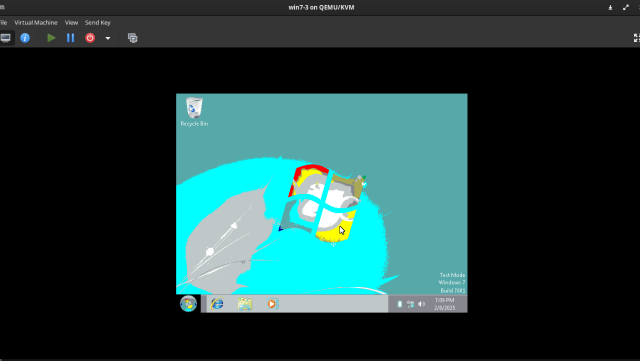
For a few months I've been ignoring errors on the disk sdb (the one where liberty_cryptb is located). Now the situation got worse:
plantroon@liberty:~$ sudo zpool status
  pool: liberty_crypt
 state: ONLINE
status: One or more devices has experienced an unrecoverable error.  An
        attempt was made to correct the error.  Applications are unaffected.
action: Determine if the device needs to be replaced, and clear the errors
        using 'zpool clear' or replace the device with 'zpool replace'.
   see: https://openzfs.github.io/openzfs-docs/msg/ZFS-8000-9P
  scan: scrub repaired 0B in 00:26:56 with 0 errors on Sun Jun 11 00:50:58 2023
config:

        NAME                STATE     READ WRITE CKSUM
        liberty_crypt       ONLINE       0     0     0
          mirror-0          ONLINE       0     0     0
            liberty_crypta  ONLINE       1     2     0
            liberty_cryptb  ONLINE       0    10     0

errors: No known data errors
SMART data for both disks shows no errors whatsoever, even after running tests. The error is most likely related to SATA link going down, which can be attributed to the fact that the disk sdb is in my Thinkpad's ultrabay adapter. I should probably stop messing around with laptop as a server, especially if it can't support 2 disks by default? IDK what the best solution is here, I don't have anywhere to move my stuff to.
Probably fixed by setting link_power_management_policy to max_performance for these disks.
More info in this issue:
github.com/openzfs/zfs/issues/…
I was never really into social networks (and related apps) so I thought I dodged the doomscrolling phenomenon... until I started counting my time on Youtube, which is basically a social network.
On top of that, I have RSS feeds sent to my mailbox. Last week I created a separate folder for them and turned off notifications for this folder. It helped tremendously! I still read them, but in bigger batches which does in the long run free up time. Before I used to glimpse at the news all the time which obviously wasn't healthy and hampered my productivity.
@ALL Hi everyone, I’m happy to announce that we’re very close to migrating to a new home for Win-Raid! Huge thanks to @wendell and his team over at Level1Techs for making all this possible! Please take a look at the new announcement (Win-Raid – Ne…Win-Raid Forum
The things I do for fun:
plantroon.com/how-i-physically…
I may have to do it again soon
So I finally have the desired Fediverse setup. Here's the changes that I did:
- moved Friendica from social.plantroon.com to plantroon.com
- restored all the posts I could from social.plantroon.com that ran on Pleroma
- imported contacts
- recompressed photos from my feed
- on matrix side, I cancelled any reference to matrix.plantroon.com domain
The best thing is that I can still have my blog at plantroon.com. So no losses at all. One of possible scenarios was moving the blog to blog.plantroon.com subdomain while having Friendica at the root domain.
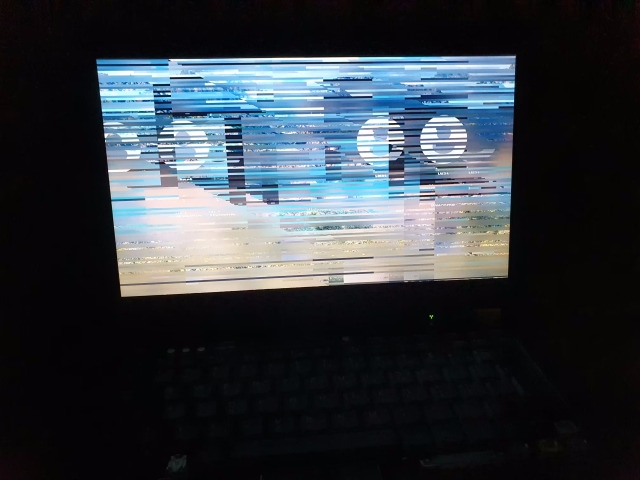
Self-hosting a mail server is hard. Harder than self-hosting anything else
(Of course, something broke again)
Jakub Filo
in reply to Jakub Filo • •